Features
Everything needed to ship UGC-style video ads weekly
VydioFlow is a full creative pipeline, not a single generate button: briefs, hooks, scripts, scene rendering, regeneration, captions, branding and multi-ratio export all live in one project.
Features
The whole creative team, in one canvas
01 — Brief
One sentence is the whole input
Describe the ad in plain language or paste a product URL. VydioFlow reads the offer, infers the audience and turns it into a structured campaign brief you can edit.
- Prompt or URL
- Offer + audience extracted
- Cost shown before you render
02 — Story
Hooks and scripts written for the first three seconds
Four ad concepts, each with its own opener, spoken script, scene beats and CTA line — tuned to your tone of voice and brand kit.
- Multiple concepts per brief
- Hook variants to test
- Editable beat-by-beat script
03 — Cast & render
Cast an AI spokesperson — or skip it entirely
Some ads need a face; others are pure product. Cast a creator once and they carry the face, voice and wardrobe through every scene and variation — or run product-only demos and promos with no creator at all.
- Optional casting, never required
- Image-to-video from your product shots
- Async renders, live status
Locked for this campaign
Same face, voice and wardrobe in every scene
04 — Refine & export
Reroll one scene, not the whole ad
Every scene is its own job. Adjust scene three, leave the rest untouched, then add captions, brand colours and a CTA screen and export for every placement.
- Scene-level regeneration
- Burned-in captions
- 9:16 · 1:1 · 16:9 exports
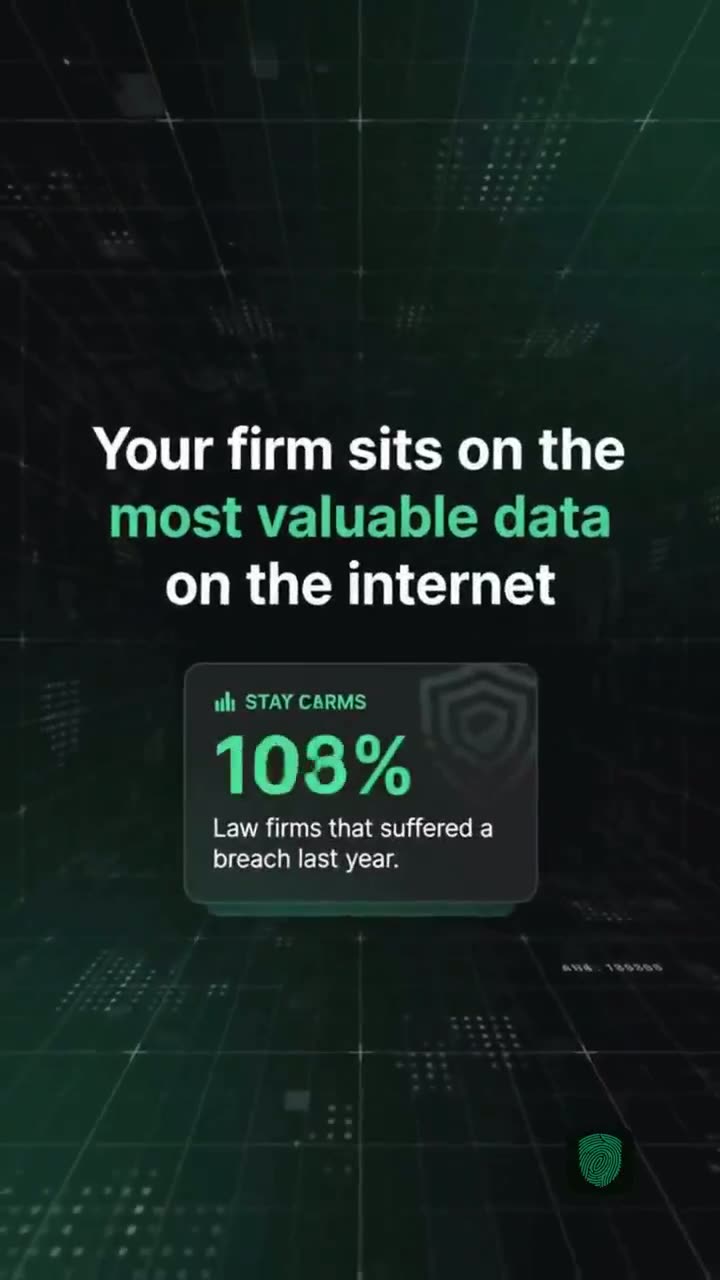 Scene 1 · hook
 Scene 2 · product
 Scene 3 · result
 Scene 4 · CTA
And the details
The finishing layer, handled
Burned-in, brand-styled, built for silent autoplay.
Logo, palette, tone of voice and audience reused on every render.
Video library
Every render stored with its prompt, model, cost and status.
Projects & favorites
Organise campaigns, star the winners, download in one click.
Ad variations
Spin new variants from a winning ad to keep testing alive.
Feature by feature
Prompt or URL input
Describe the ad in a sentence, or paste a product page and let the brief be extracted for you.
Multiple ad concepts
Generate several distinct angles per offer so you can test messaging in the ad auction.
Hook and script generation
Gemini writes hook variations and full scene scripts you can edit before anything renders.
Scene-by-scene regeneration
Each scene is its own job — re-render one without spending credits on the whole ad.
Consistent AI creators
Keep the same on-screen creator across scenes so the cut reads as one person.
Product image uploads
Use your own product shots as reference frames so the product on screen is genuinely yours.
Captions
Timed captions for sound-off feeds, styled to match the rest of the creative.
Brand kits
Save logo, colours and CTA copy once and reuse them across projects and clients.
CTA end screens
Close every ad with a branded call to action instead of a hard cut.
Every aspect ratio
Export 9:16, 1:1 and 16:9 from one project for TikTok, Reels, Shorts and YouTube.
Video library and favourites
Every render is saved, searchable and downloadable through signed private links.
Credit tracking
See the estimated cost before a render and a full transaction history after it.
Creator control
A cast that stays the same person, take after take
Most AI video breaks the moment the face changes between shots. VydioFlow locks a creator's likeness, voice and wardrobe to the whole cut, so a three-scene ad reads as one person telling one story — the thing that actually makes UGC convert.
- Consistent likeness and voice across every scene
- Swap the creator without rewriting the script
- Or skip casting entirely for product-only spots
9:16 · 8s · captions on
Why VydioFlow
Compared with the traditional ad production pipeline
Built to add more models later
Generation jobs store the provider, model, prompt, duration, status, cost and output for every render. That structure means new video or script models can be added behind the same interface without changing how you work — today the pipeline runs on Google Gemini and Veo.
3 tiers
Standard, Pro and Cinema render quality per scene
10+ styles
Ad formats from testimonial to demo to offer spot
Per scene
Regenerate one shot instead of the whole ad
Unlimited
Projects, brand kits and saved product assets
Workspace and team features
Projects per campaign
Keep each launch, client or product line in its own project with its own assets and renders.
Creator cast
A library of consistent AI presenters you can reuse so a series of ads feels like the same person.
Ad templates
Start from proven structures — testimonial, problem/solution, unboxing, founder note, offer spot.
Product library
Store product shots and screenshots once and pull them into any future ad.
Analytics view
See renders, credits burned and output per project so you know what a campaign really cost.
Signed private links
Downloads run through expiring signed URLs — your renders are not publicly listed.
Finishing layer
Captions, brand colours and CTA screens, applied for you
The last mile is where in-house teams lose their week. Captions are timed to the script, brand kits push your logo and palette onto every export, and each ad closes on a branded CTA screen — then ships in 9:16, 1:1 and 16:9 from the same project.
- Sound-off ready captions by default
- Brand kit reused across projects and clients
- Three ratios exported without re-editing
9:16 · 10s · 3 variants
What comes out the other side
Real renders from the same feature set — no external editing, no post-production pass.
Coaching
Straight-to-camera authority open
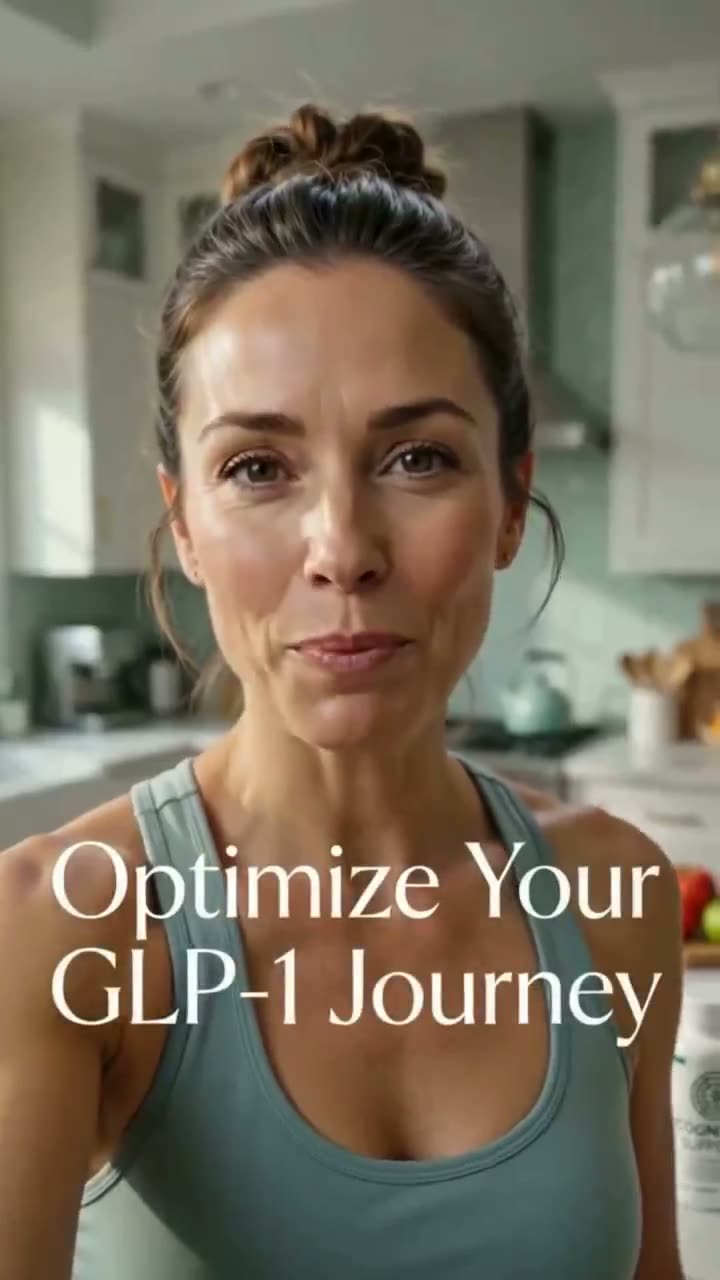
Wellness
Calm, confessional-style testimonial
Travel
Cinematic establishing shot with kinetic titles
Feature questions
- Can I paste my own script instead of generating one?
- Yes. The studio accepts a product URL, a plain description or a finished script. A pasted script skips straight to scene planning and rendering.
- How consistent are AI creators across scenes?
- Selecting a creator locks a persona description and reference likeness for every scene in the cut, so the ad reads as one person rather than a stitched-together montage.
- Do captions come burned in?
- Captions are timed to the script and styled to match the creative, so the ad works in sound-off feeds without extra editing.
- Can I export the same ad for different channels?
- One project exports 9:16, 1:1 and 16:9 without re-editing, so a single cut covers TikTok, Reels, Shorts, Meta feed and YouTube.
See the whole pipeline on your product
Paste a product URL and the brief, hooks and script are written for you before a single credit goes to rendering.